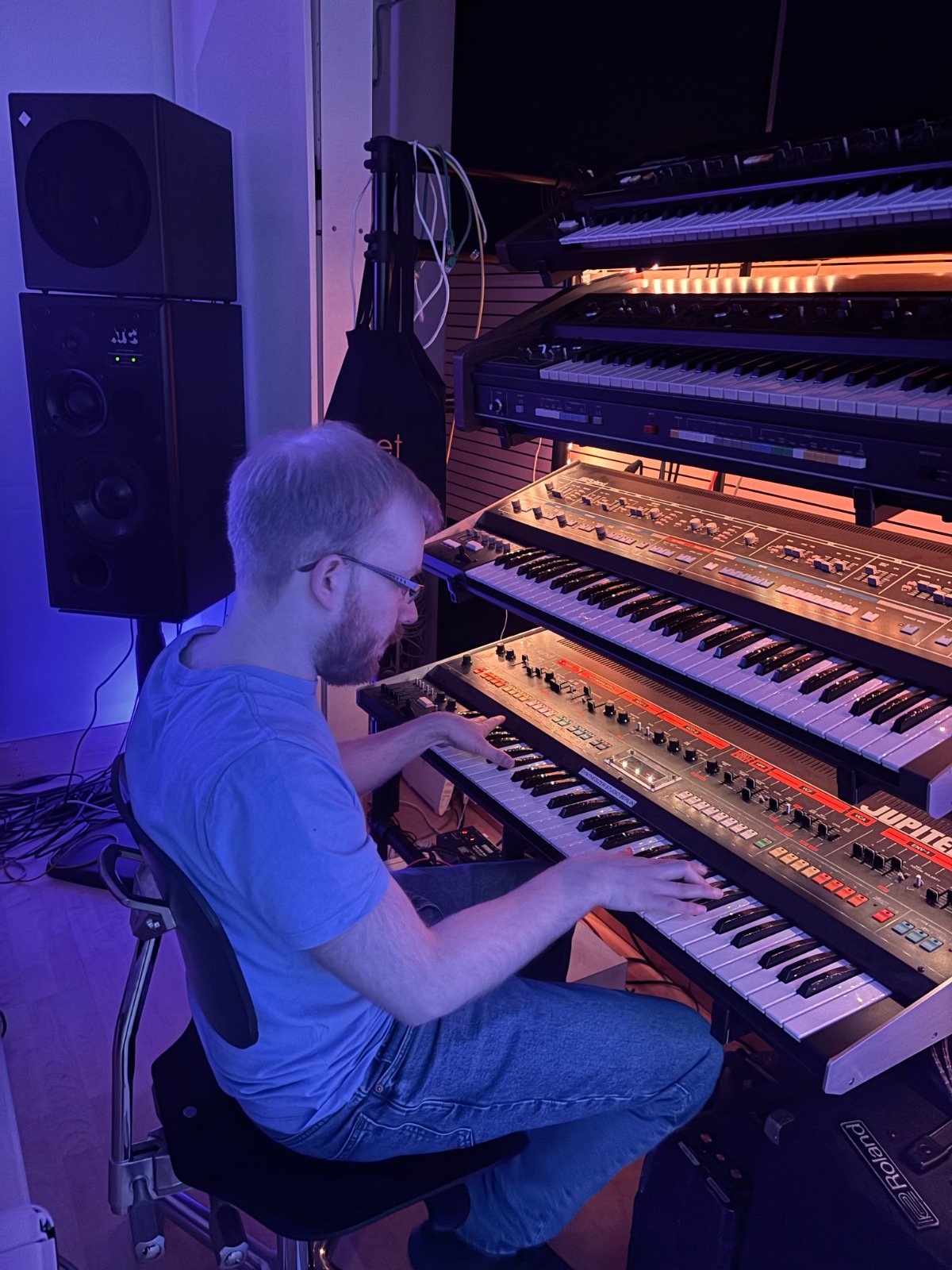
Getting started with analog synthesizers can feel intimidating at first—but it really shouldn’t be. The most important thing to understand is this: there’s no “perfect moment” to begin. The best way to learn synthesis is the same way you learn a language—you just start speaking. In this case, you start turning knobs, shaping sounds, and experimenting.
Don’t Be Afraid to Just Start
A lot of beginners get stuck watching tutorials or reading manuals without actually touching a synth. While those resources can help, nothing replaces hands-on experience. Sound design is a creative process, and like any creative skill, it improves through doing.
Twist knobs. Make weird sounds. Break things (not literally). That’s how you develop intuition.
You Don’t Even Need Hardware at First
Before investing in an analog synth, you can begin with free software synthesizers inside popular DAWs (Digital Audio Workstations). Many of these come with powerful built-in synths that are perfect for learning:
- FL Studio (free trial version)
- Ableton Live (free trial version)
- GarageBand (free on Mac)
These tools let you understand the basics of oscillators, filters, envelopes, and modulation without spending money upfront.
Free FL Studio Version: https://www.image-line.com/fl-studio/download
Free Ableton Version: https://www.ableton.com/en/trial
Most DAW’s feature a lot of free synths so you don’t have to install any additional software to just start out.
Choosing Your First Analog Synth
If you decide to go the hardware route, it’s worth starting with something beginner-friendly and hands-on. In my opinion, one of the best beginner synths is the Behringer Poly D. It’s straightforward, sounds great, and gives you a classic analog workflow that helps you really understand how synthesis works.
The Best Beginner Synth: https://synthskool.com/the-best-beginner-synth/
What You Actually Need
Getting started doesn’t require a huge setup. Here’s a simple list of essentials:
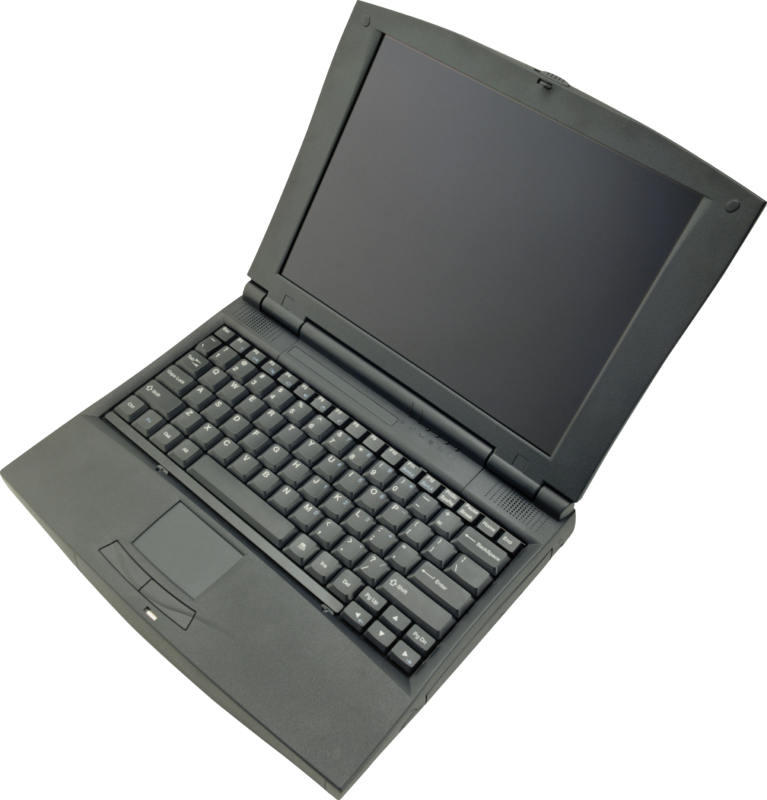
1. A Computer
Your central hub for recording, editing, and producing music. You don’t need a high end pc to start out! There are also free apps you can try on your phone.
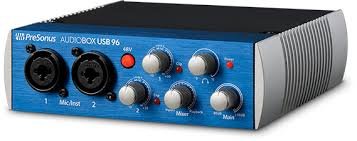
2. An Audio Interface (~€100)
This connects your synth to your computer and ensures good sound quality. Entry-level interfaces are more than enough to get started.
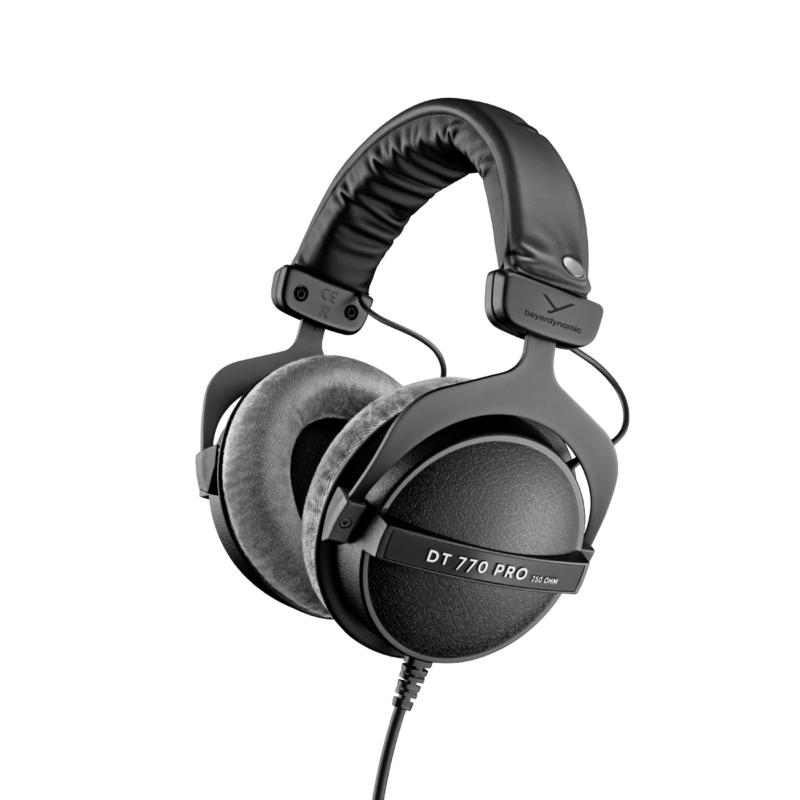
3. Headphones
A solid pair of headphones lets you hear details clearly, especially if you don’t have studio monitors.
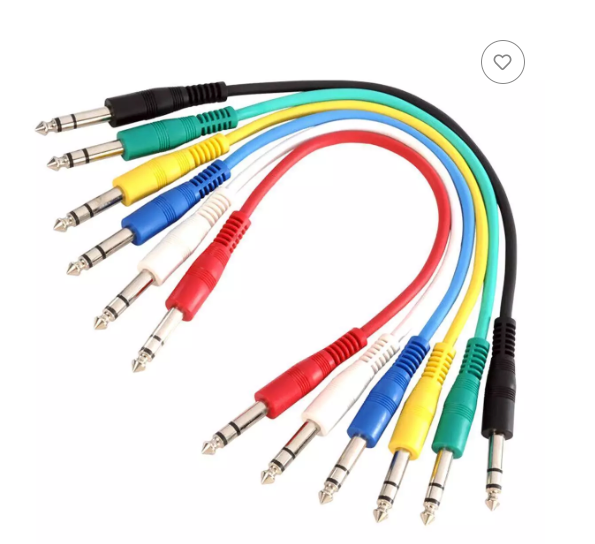
4. Audio Cables
You’ll need:
- One cable if your synth outputs mono
- Two cables if it outputs stereo
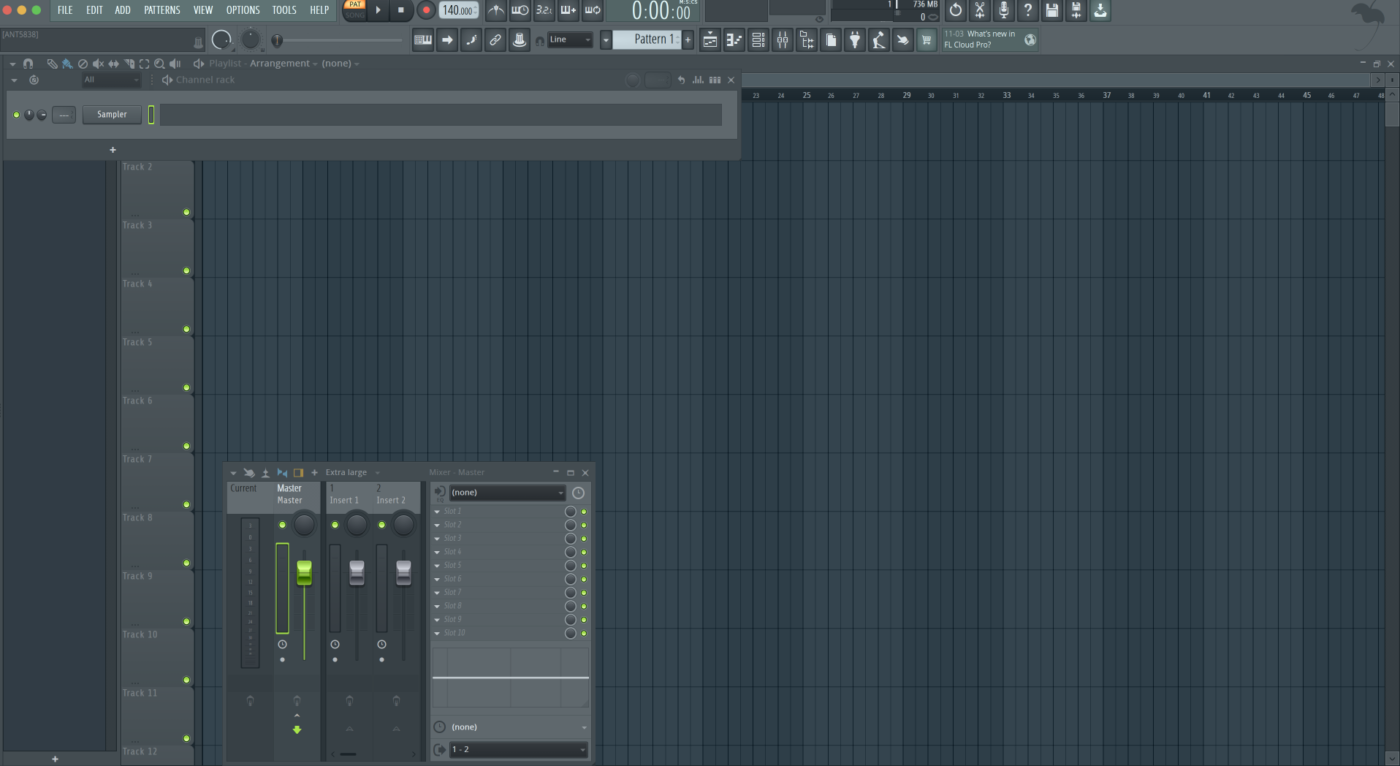
5. Recording Software (DAW)
You can start with:
- FL Studio (free version)
- Ableton Live (free version)
These allow you to record, arrange, and process your sounds.
Using Your Synth with a DAW
If you already use a DAW, things get even easier. Most modern synthesizers can also function as MIDI controllers. This means you can:
- Control software instruments with your hardware synth
- Record MIDI directly into your DAW
- Sync everything together seamlessly
All you need is a simple USB MIDI cable to connect your synth to your computer.
Final Thoughts
Starting with analog synths doesn’t have to be complicated or expensive. You don’t need a studio full of gear—you just need curiosity and a willingness to experiment.
The key is simple: start now. Learn by doing. And most importantly, enjoy the process of creating sound from scratch.